Creating and managing test instruction groups
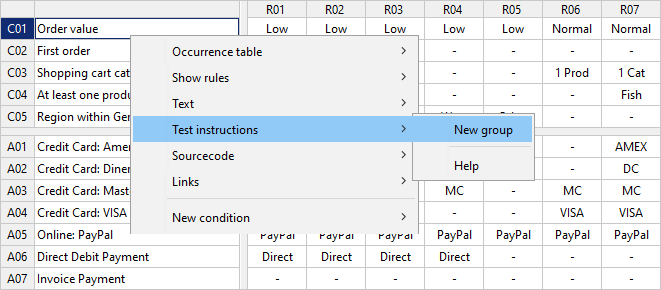
All functions for managing test instruction groups and test instructions can be found in the context menu (accessible with the right mouse click) under the Test instructions menu item:
The name of a test instruction group is specified in the editor for test instructions, optionally a description can also be added:
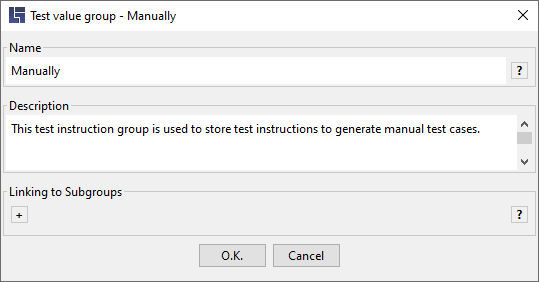
Once confirmed with OK, a test instruction group is created and thus access to corresponding test instructions is enabled:
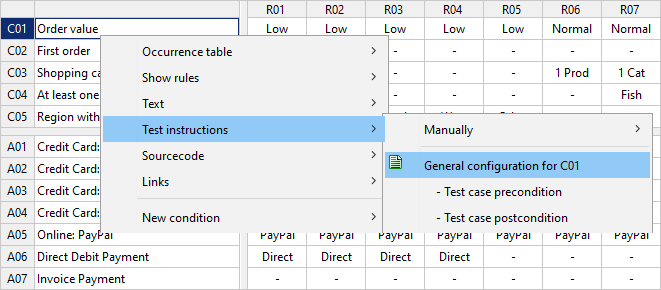
In the same context menu functions for the management of test instruction groups are also available. If more than one group is defined, the group that should be worked on can also be selected here.
Two test instruction groups have already been specified in this example, i.e. Cucumber and Manually:
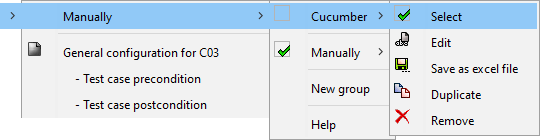
In the menu, the test instruction groups are automatically sorted by name in ascending order.