Saving as an Excel file
A decision table can also be saved as an Excel file using “Save as”.
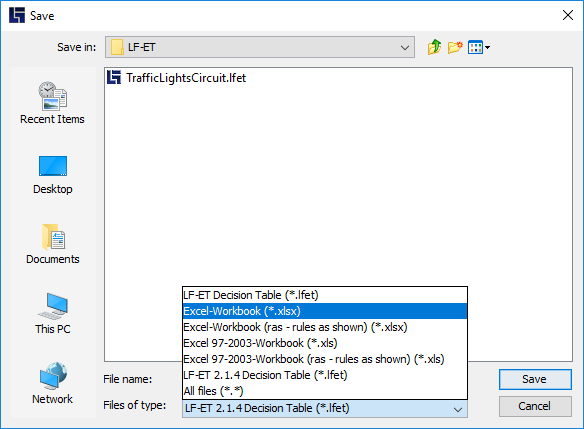
Here is an example of a decision table saved in an Excel format, the time the Excel file was created will be used automatically as the sheet name.
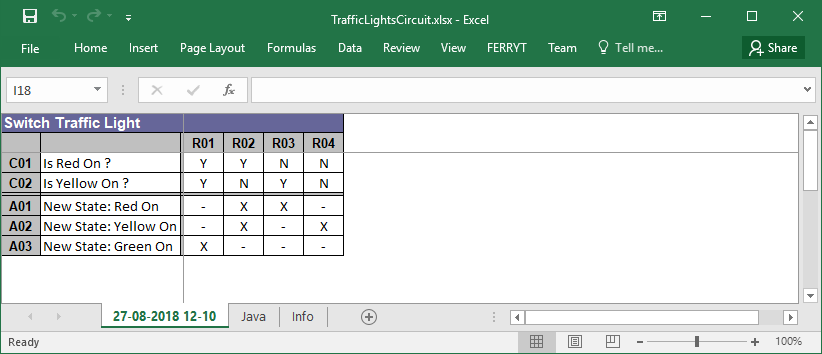
For page setup in Excel (for example, portrait or landscape), the current Setting for printing is taken over from LF‑ET.
Any existing value tables, texts or source codes are stored in separate worksheets.
| If Display of rule IDs is activated, rule IDs are also displayed in the Excel file (Menu bar > Window > Show IDs). |