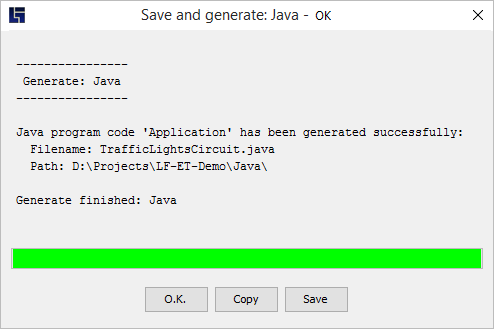
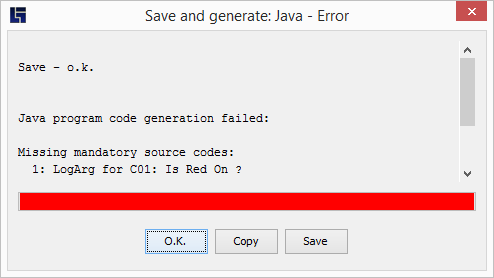
The protocol screen Individual generation steps are displayed on a protocol screen: 10 seconds The protocol screen is closed automatically within 10 seconds from the end of generation. The count-down can be stopped by 'touching' the screen, e.g. by clicking or moving the text area. Save content The whole screen content can be copied to clipboard or saved as a file. Error If errors occur during generation, these also appear on the protocol screen and the progress bar changes to red: The generation menu Further information