End error loop
This chapter describes the solution of an extreme exception that should never happen to the user.
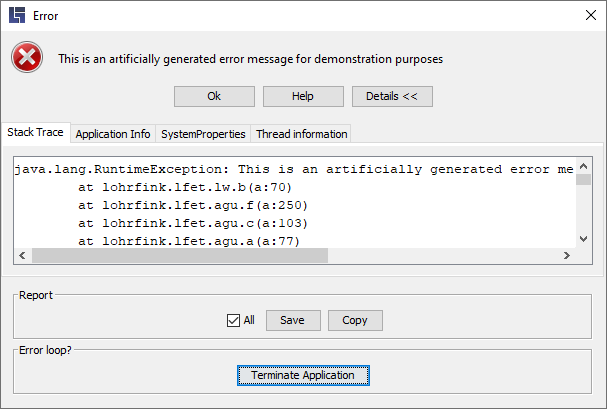
If the error window appears again and again and LF‑ET can no longer be operated normally, then this "error loop" can be ended as follows
-
Expand the error window by clicking "Details >>".
-
Important: If possible, save error information using the “Save” button and send it to support@lohrfink.de (see previous section).
-
The “Terminate Application” button is displayed only when the error dialog is shown repeatedly, you can use it to terminate LF‑ET forcefully.
Since LF‑ET was aborted "hard", it may be necessary to manually delete write protection files (.lfet_$temp) of decision tables that were open.
Please inform us about errors that have occurred, as described in the previous section.