Creating links
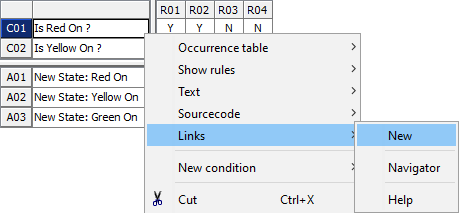
A link is created by selecting Links > New from the context menu of the corresponding cell.
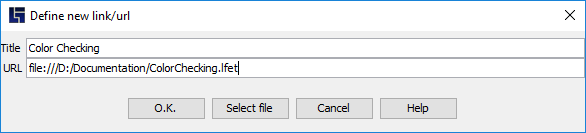
You can specify a title for the link and enter the relevant link in the following window. The link entry can also be created using the “Select file” function for files or folders.
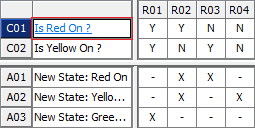
Decision table elements for which links are defined are presented in blue and underlined with the mouse pointer turning into a hand.
Links are saved internally with relative paths and therefore remain valid in most cases if folders are renamed, copied or moved.