Import value table from CSV file
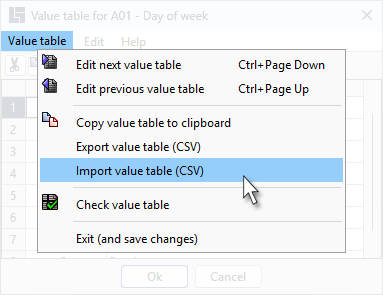
Exported value tables can be copied into a value table using the function "Import value table". This does not overwrite existing values (no distinction between uppercase and lowercase letters). The import function is retrieved via the value table menu:
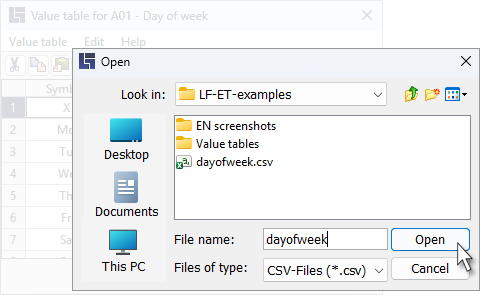
A previously exported or otherwise created CSV table can be read in the following dialog:
-
The file name can be selected, a possibly recently used file is suggested
-
The entire file is imported. Inserting of values starts after the current row
-
Only values that are not yet contained in the value table are inserted
-
A comma or semicolon are allowed as separators between symbol and meaning
-
No need to use a text delimiter; single or double quotation marks are allowed