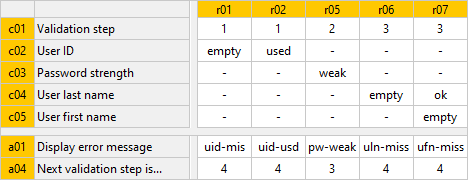
If rules are hidden
- then
-
rule identifiers are shown in lowercase letters and on yellow background:
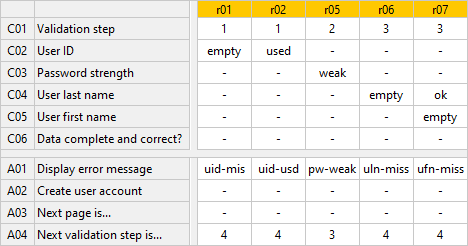
- then
-
the number of filtered rules is presented in the tool tip for rule identifier:
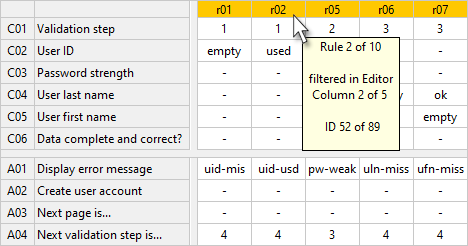
- then
-
all rows which are not filled out in this view (here: C06, A02 and A03) can also be hidden. See also hiding and showing empty rows: