Save graphic
The contents of the Navigator window can every time be saved as a graphic file, a dialog for saving can be opened
-
in the context menu with the menu item Save graphic, or
-
using the keyboard shortcut CTRL + S
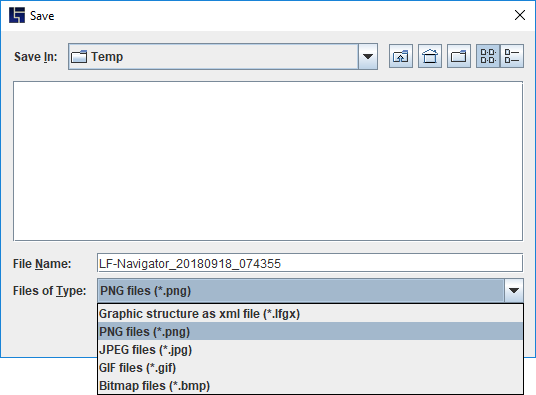
The available graphic formats depend on the Java version used. The file name suggested automatically can be freely changed.