Activate and set up Java
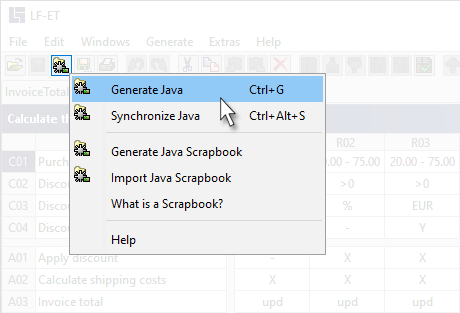
In order to determine whether program generation is available for the currently open decision table, it is easy to recognize in LF‑ET if the generated icon  is displayed to the left in the symbol bar or not.
For Java, the Generation Variant 1 (Interface and Rules Module) is recommended in which purely technical decision tables without further adjustments are used directly for generation and in which the "generate Java" function is used exclusively: