Export value table as CSV file
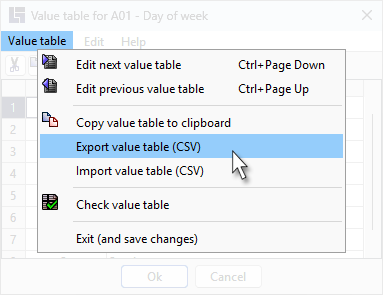
Value tables can be exported as CSV files and are therefore easily copied into other value tables. The export function is retrieved via the value table menu:
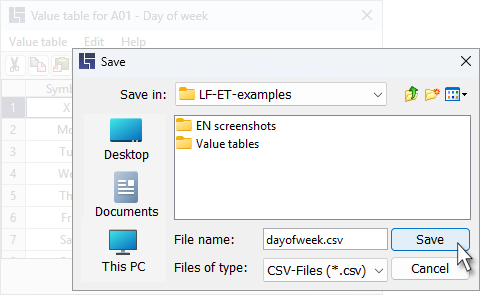
In the following dialog, the value table can be saved as a CSV file in any folder. A recently used file may be suggested. In the example, the value table is stored in the "Value tables" folder as the "ValueTable1.csv" file.
The whole value table is exported, with a comma serving as the separator between the symbol and the description.