Opening links
Using CTRL + mouse click
If only one link is defined for a decision table element, the link can be opened with a simple click of the mouse.
If several links are defined, a menu is displayed automatically with these links and a second mouse click is enough to activate the desired link.
Using the context menu
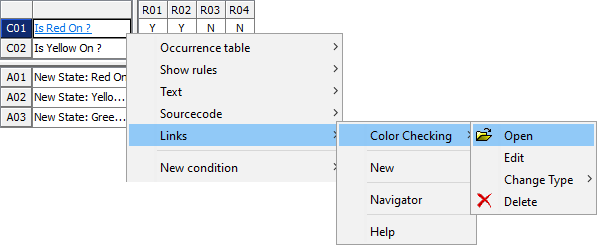
A link is opened by selecting Links > my link > Open from the context menu of the relevant cell: