The Main Screen
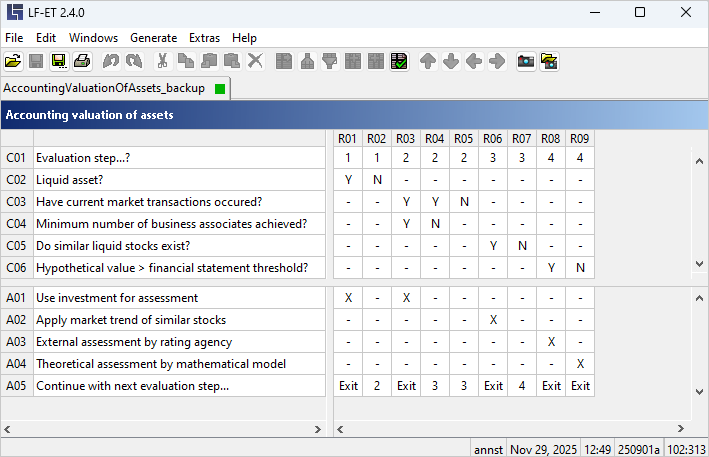
The main screen is displayed when starting LF ET. It is used for the creation of conditions and actions that are interconnected through rules.
All central functions such as saving, printing, checking, etc. can also be initiated from here.
Zoom
In the main screen, the font size can be changed in two ways:
-
Zooming by turning the mouse wheel while holding down the CTRL key, or
-
Zooming by dragging the mouse with the right mouse button pressed at the same time.