Hiding rules
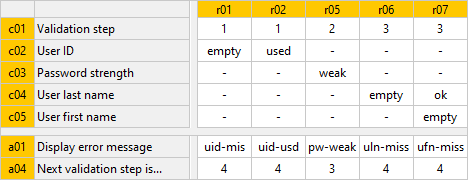
Hiding of rules is done by: selecting a group of rules, in this case rules R01, R02 and R05 to R07:
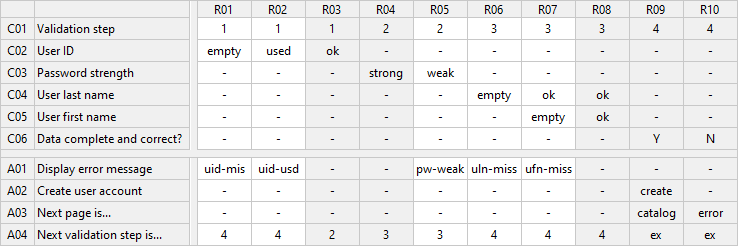
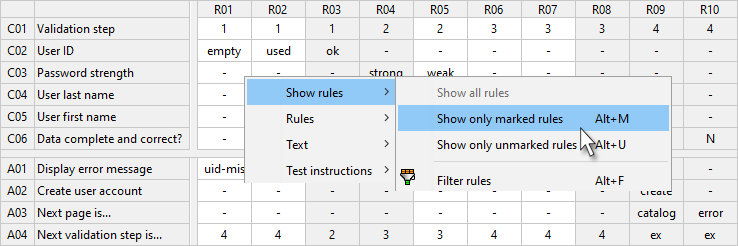
and then selecting the desired function in the context menu of any rule cell (by right-clicking or pressing SHIFT + F10 ) :
-
Show rules > Show only marked rules ( ALT + M ) or
-
Show rules > Show only unmarked rules ( ALT + U )
Now only the rules selected in this way are shown in the decision table:
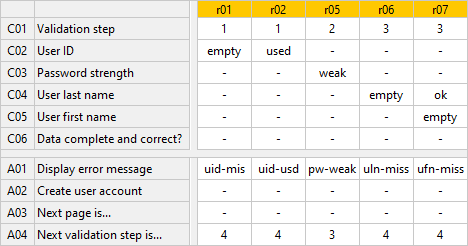
In the partial view you can continue working as normal, all functions are fully available.
Additionally, all rows which are not filled out in this view (in this case C06, A02 and A03) can be hidden, see also hiding and showing empty rows: