Add texts
If necessary, any text can be added to each value in addition to a description.
Through the context menu in the value table screen…
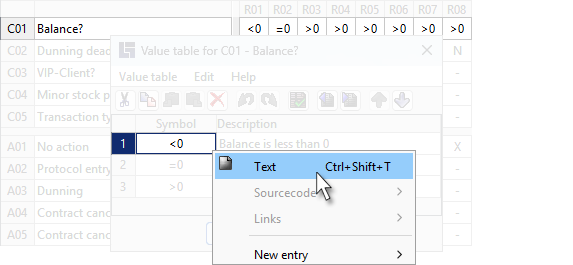
or through the context menu in the main screen…
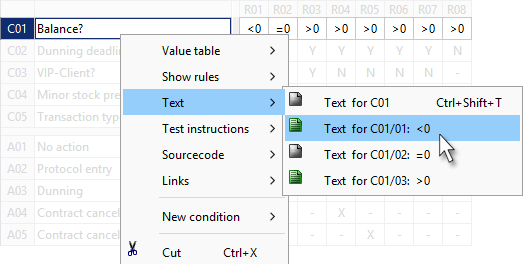
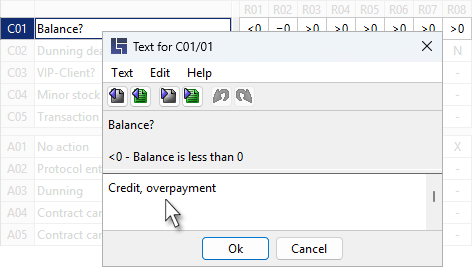
the Text editor can be opened specifically for a value:
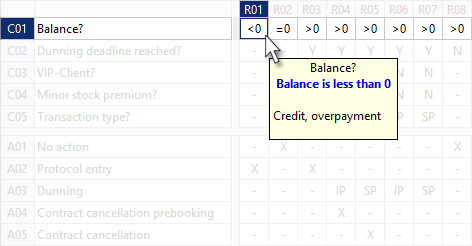
In addition to descriptions, texts of values appear e.g. in the tool tip of rule cells:
| The fastest way to add a text is to press: CTRL + SHIFT + T |