Open value tables for editing
-
Select the title or a rule cell of the condition or action for which values are to be defined.
-
Click with the right mouse button and select Value table in the context menu and then Create value table or, if a value table has already been created, Edit value table.
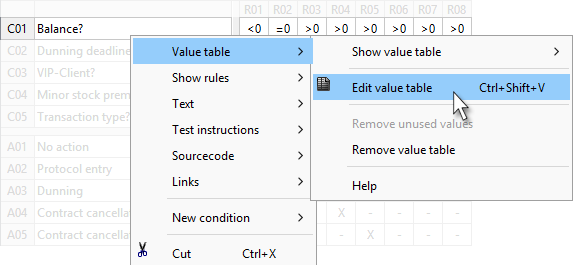
The fastest way to reach a value table is to press: CTRL + SHIFT + W
-
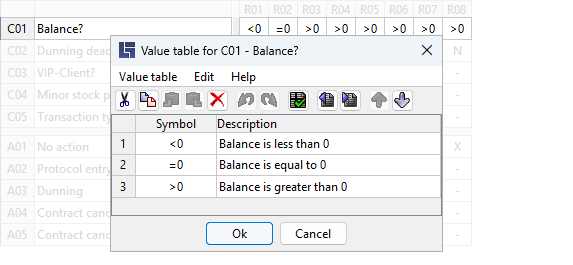
An editor is opened to edit the values of a condition or action (value table editor).
A value consists of at least one Symbol that must be unique within a value table, while being case-insensitive. Optional but recommended: a short description for each value.